Tags: genealogy python programming
<< previousnext >>A few years ago, I was seized by the sudden, irrational, and self-destructive urge to learn more about my family history. The software I've been using since then to construct my family tree is Gramps. It's offline, open source, and somewhat moddable, so it was a natural choice for my code-brained self. The alternative would be closed, paid, online-only services like Ancestry.
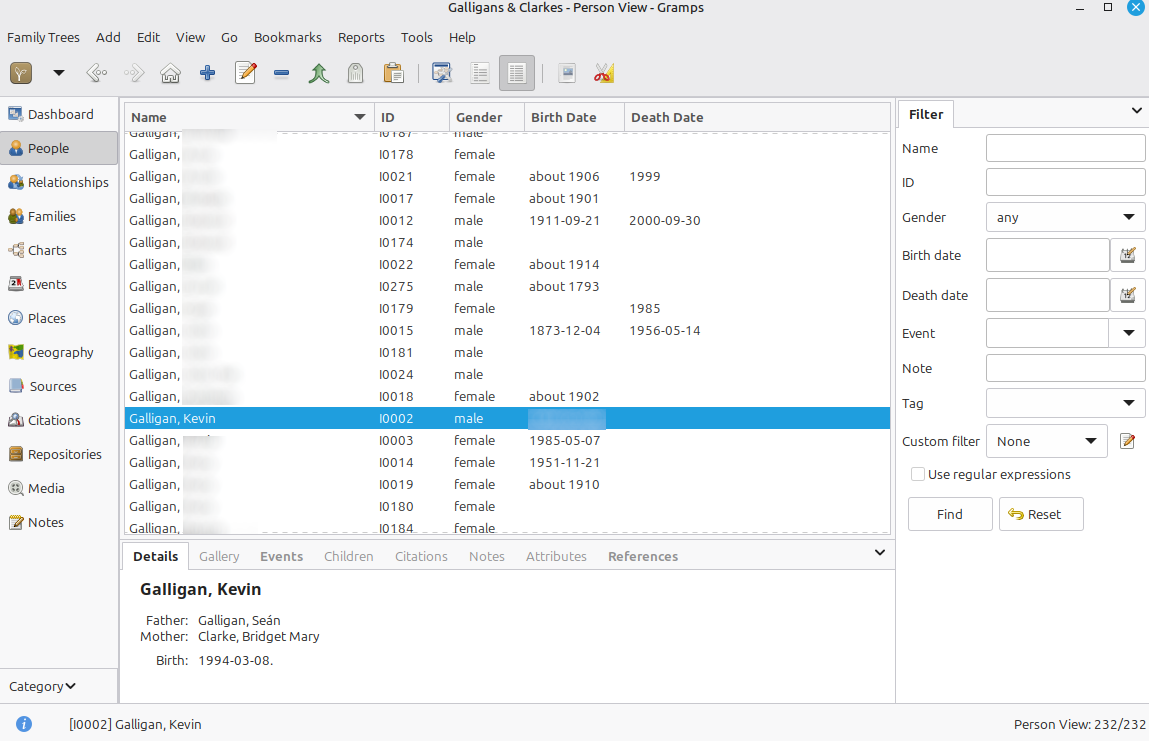
Gramps has so much power and flexibility that it's not always clear how to do even very simple things. In this post, I'll explain the patterns and conventions that I've found useful in putting together my family tree. For the programmers, I'll also describe how I'm using the Gramps API to generate my own genealogy website (repo here).
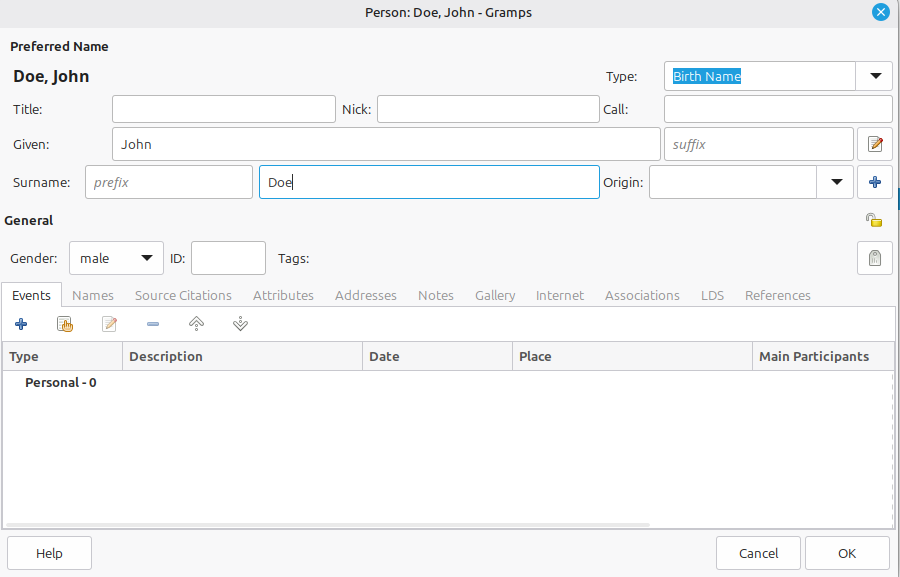
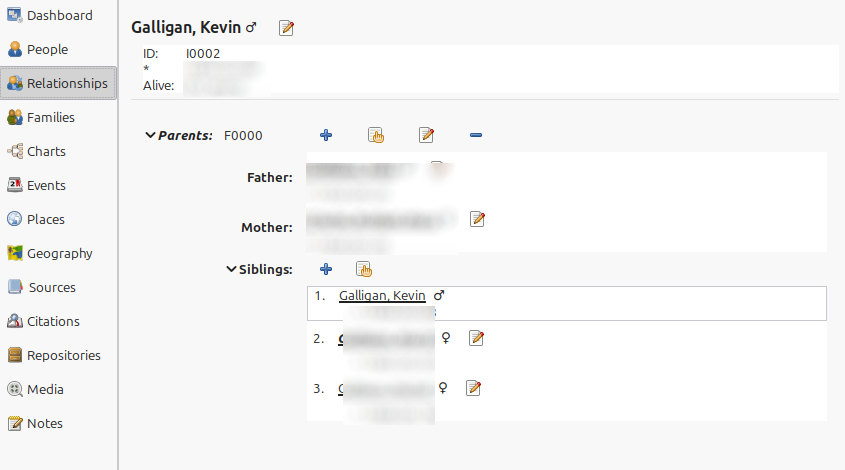
First, there's the standard stuff. Create a new person. Set their name and gender. If known, add Birth and Death events (with dates). Create a family and assign the new person as one of the parents. Add their partner. Add their children. Add a Marriage event to the family, if applicable.
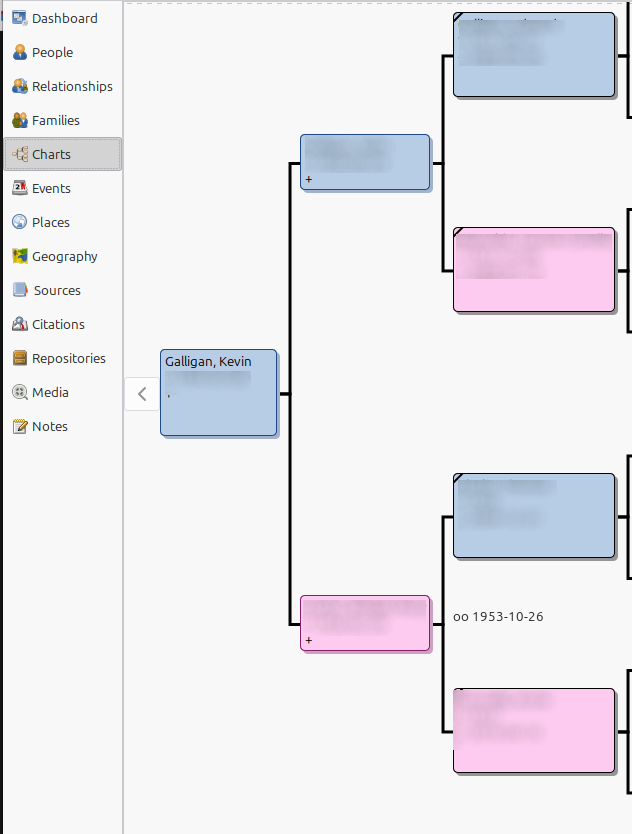
Repeat this tedious process dozens of times, and the result is a full family tree that includes all your relatives and their relationship to each other. Gramps provides various tools to visualise and browse the tree.
Next come sources and citations. A source might be a census form, book, person, or website. Citations, meanwhile, are the links that connect sources to data - including names, dates, families, attributes and notes. So you might add a Birth event from the year 1920 for your grandmother, then cite her birth certificate as the source of the date. Now you can trace back where you got the information from and be confident that it's correct.
Sources and citations are actually independent entities in the Gramps database. You can list all the sources and citations in your tree, tweak their attributes, and so on. A convention I've adopted is to assign a "Quality" attribute to all my sources - a census form is usually "good", while a random internet article might be "mediocre". When generating my genealogy website (more on that later), I can present "good" citations differently from "mediocre" ones so that it's clear how reliable the information is.
Something I wanted to do with my tree was to capture biographical information about my ancestors: professions, stories, quotes, and whatnot. To achieve this, I create a "Description" attribute under the person in question. I then attach a note to that attribute, containing freeform text. On the website generation side, I treat the text as raw HTML (that'd be a bad idea if I weren't in control of the data; someone could, for example, inject a cryptomining script through the description). I also add citations to each description attribute so I know where they come from.
A lot of my tree is built on the hard work of others. There was a distant American cousin who came to Ireland about 20 years ago, and I think he went through the painful process of searching through parish records and other archives. His findings were then summarised and augmented by an uncle of mine. Another source was MyHeritage, a genealogy website where many family trees are publicly available. I've identified a few trees that seem to intersect with my own, but this is a "mediocre" source: users can copy entire branches to their tree from other trees, without verifying any of it, and so it's easy for misinformation to spread.
Besides manually entering all of the above in Gramps, I pestered my parents to let me interview them, and wrote down as much information about our ancestors as I could. We also have some documents like an old family bible from the 1700s or 1800s, which contains a record of family events. I haven't yet sat down to try deciphering the handwriting, though.
Gramps has the option to output reports in various formats, including HTML. This is nice for sharing the tree with family members, but since I wanted full control of the result, I needed to write my own website generator. The result, still a work-in-progress, is genegenie. (The name, which I hate, comes from the David Bowie song The Jean Genie).
genegenie is essentially a Python script that loads all the data from the Gramps database using the Gramps Python library. It then generates a website with assistance from the Flask web server, jinja2 templates, and FrozenFlask (a Flask plugin that lets you dump all the website files to a folder). Fun fact, the website generation works exactly like my personal website! "Use the tools you know" etc.
The Gramps documentation doesn't describe how to call the Gramps Python library directly from standalone Python scripts, and I'm not even sure that this use case is supported. So it took this StackOverflow question and careful study of grampscli.py for me to figure it out. After installing Gramps through my Linux package manager (apt install gramps), the Gramps Python module became available on my system. The data for a Gramps tree is stored under the folder ~/.gramps/grampsdb/<tree-id>/. This function in genegenie takes that path, loads up the Gramps database and extracts all the data in one shot. I define my own data objects for some entities, like Person and Family - this protects me from future changes to the Gramps API. In some cases like Date, though, I reuse the Gramps objects, because it'd be too much effort and too finnicky to reimplement them.
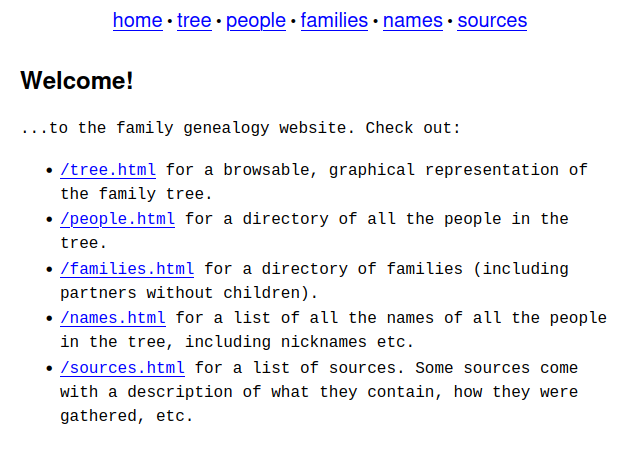
With the tree data in hand, the genegenie script starts up a Flask server. When the user then opens a page on the website in a web browser, like /person/<gramps_id>.html, the server renders the person.html jinja2 template, using the Gramps data to fill in the blanks. I've added a flag to the script's CLI that makes it call FrozenFlask, so that the entire website can be dumped to a folder.
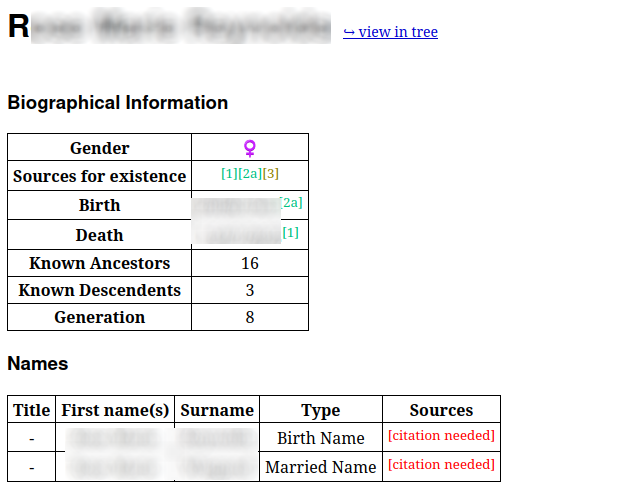
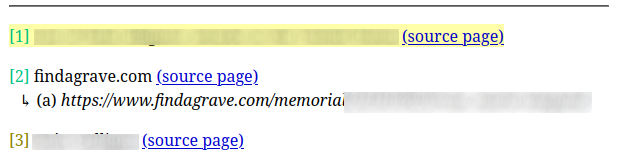
There were a few slightly tricky parts to implement. When rendering a page, there's an object that stores the citations in the order they're used. This enables the citations to be assigned numbers, like you'd see on Wikipedia.
I implemented some massively overcomplicated functions to calculate the generation number of each person in the tree, as well as the number of direct ancestors & descendents they have (see the snippet of person.html, above). By "generation number", I mean that the person at the very top of the tree (and anyone at the same level) is generation 1, their children are generation 2, etc. These calculations all ended up being forms of graph search - in computer science terms, the "tree" is actually a directed acyclic graph (assuming certain social norms are followed by the family in question).
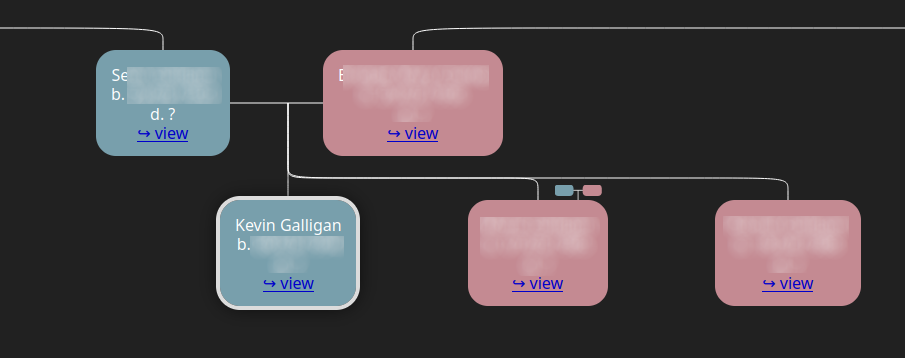
Most recently, I added my own graphical tree browser to the website, using the family-chart JavaScript package. I had to learn how to use webpack for deploying JS scripts with their dependencies - weird that I'd never had to do that before, given that it's a massive part of the development process for a lot of programmers. Anyway, once I got over that, I spent hours fiddling with the code and digging into the family-chart docs & repo until I had it looking more or less how I wanted. The resulting script might be useful for anyone else attempting the same thing; see also the tree.html template.
On the website side, I'd love to add a quilt chart. It's an extremely compact representation of a family tree, in the form of a layered grid. However, I haven't been able to find a JavaScript library for such a visualisation, and so it'd be a non-trivial project to implement it in d3.
Something more critical that's missing from the website is the ability to embed media. It might be nice to include photographs of individuals, families and events. And I'd like to include audio recordings of interviews, scans of birth certificates, etc.
On the data side, I have to go through all the not-so-trustworthy information I pulled from public family tree websites and verify it. Beyond that, it's an endless process of interviewing relatives, searching for new sources, and doing all the other dirty work involved in genealogy research.
I'd be happy to hear from you at galligankevinp@gmail.com.